Do I need an AI API key to use it?
No. On macOS 26+ with Apple Intelligence, generation is free and on-device. If you want OpenAI or Claude, plug in your own API key — Lumitree calls them directly from your Mac. We don't proxy, store, or see your key.
Where are my maps stored?
Wherever you save them — the same way TextEdit or Pages saves a document. Plain .mindmap files on your disk. No account, no cloud, no sync service. You own the file.
What formats can I import and export?
Import: OPML, Markdown, FreeMind XML, multi-line paste. Export: PNG (2× Retina), PDF, SVG, OPML, Markdown, JSON. All exports are generated locally on your Mac.
Does it work offline?
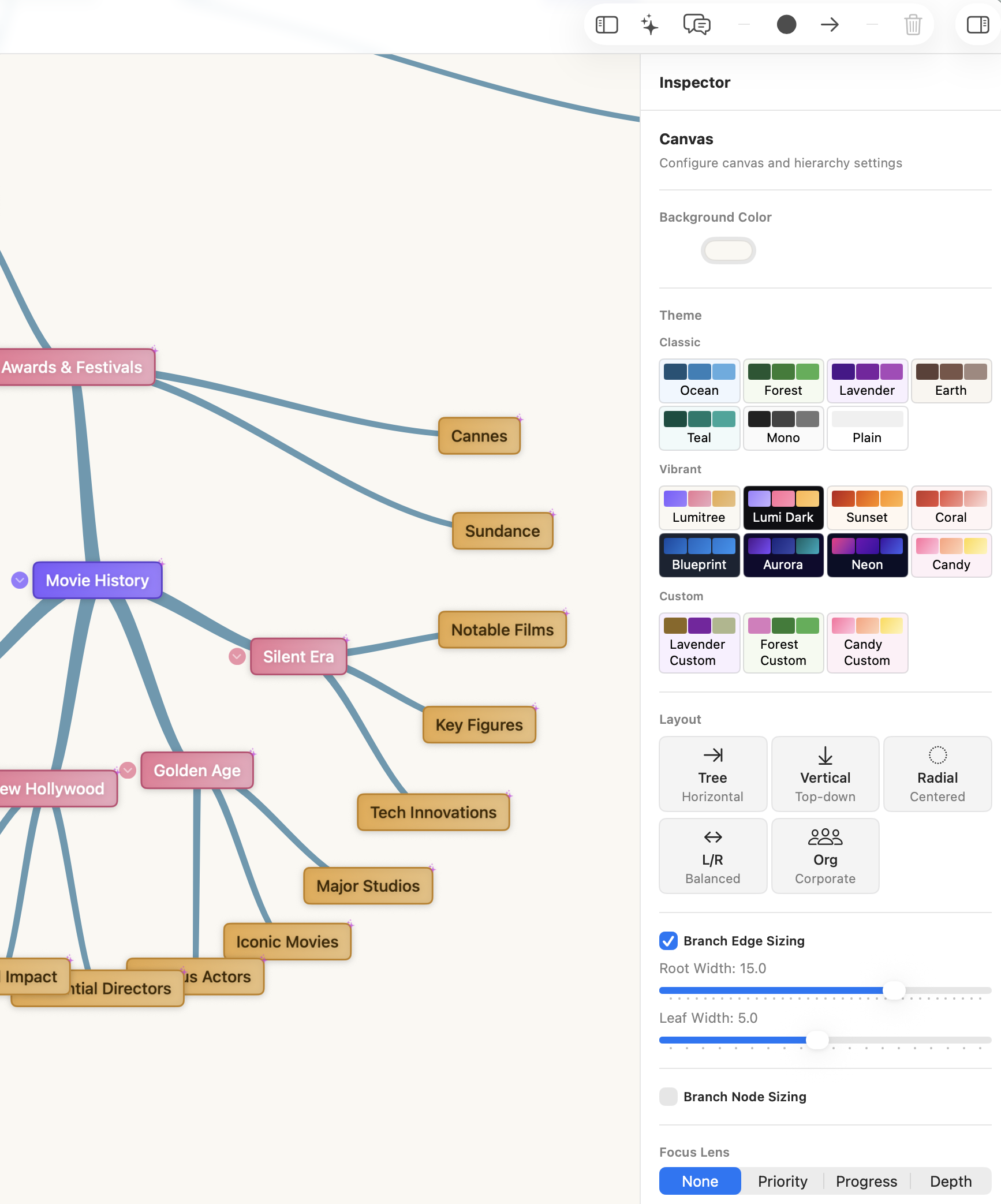
Completely. Map creation, editing, layouts, themes, export — everything works without an internet connection. AI features need a network only if you're using Claude or OpenAI. Apple Intelligence runs on-device.
Will it stay free?
Lumitree is free during v0.x early access. When v1.0 ships, it becomes a one-time purchase (no subscription, ever). The first 500 early-access users get v1.0 free forever. Everyone else who used v0.x before launch day gets 50% off — still no subscription. Whatever version you downloaded keeps working indefinitely.
Does it run on Intel Macs?
Not right now. Lumitree is Apple Silicon only (M1 and newer). If there's enough interest, we'll add an Intel build.
How do updates work?
Lumitree checks for updates on launch via Sparkle. When an update is available, you'll see a prompt and can install with one click. Signed, notarized, and delivered automatically.
Is my data private?
Yes. Lumitree stores nothing on our servers. Maps live on your disk. AI API keys are stored in your macOS Keychain, never transmitted to us. The app doesn't include analytics, telemetry, or tracking of any kind.
How can I help?
Use it, break it, and tell us what's wrong. Early access is for finding rough edges — bug reports and feature ideas are worth more to us right now than money. Email hello@lumitree.app with anything you find.